Goal
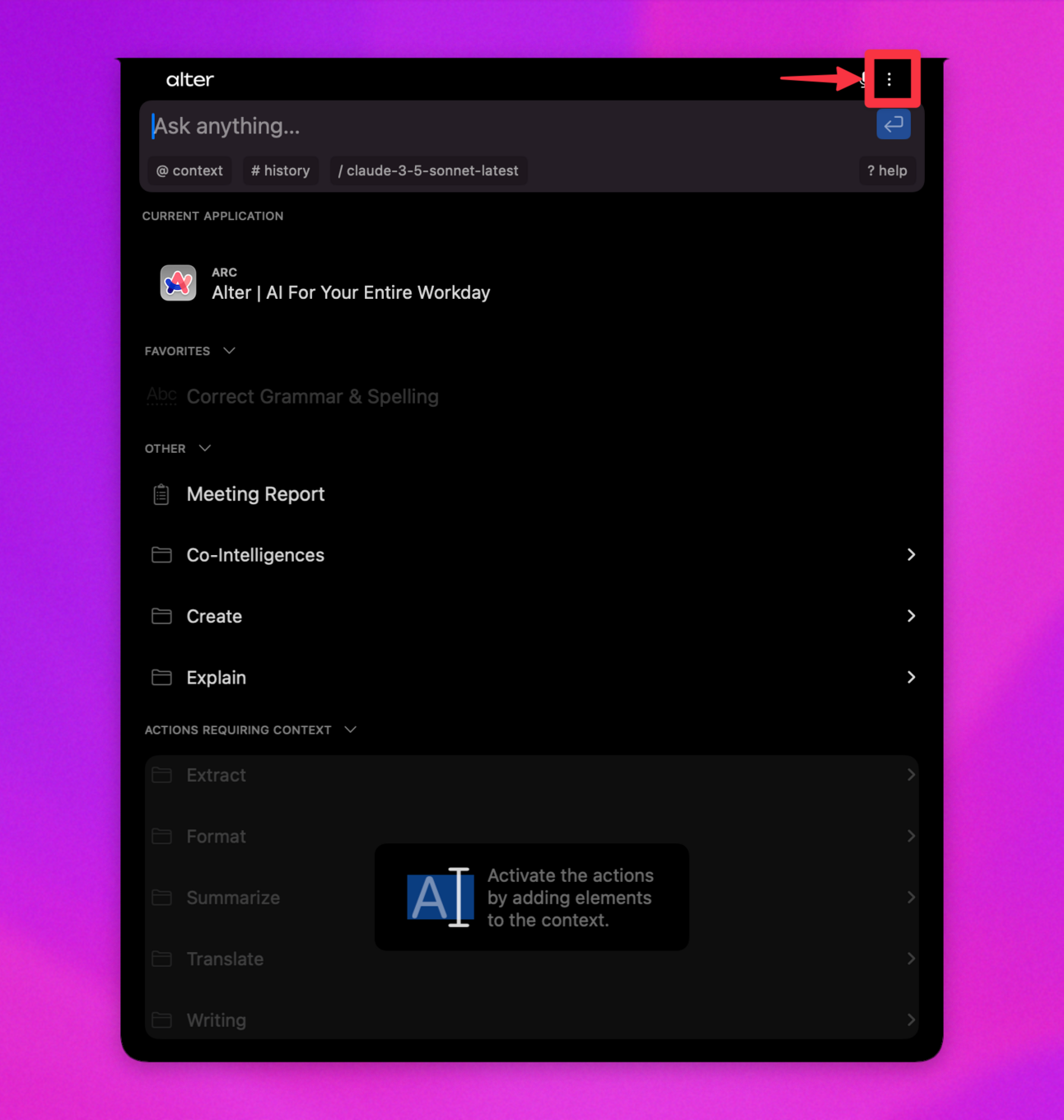
Configure Alter defaults, appearance, dictation, permissions, and profile.Steps
- Open Alter, then press
Cmd+,. - Configure Defaults for quick access behavior.
- Configure Appearance for notch visibility and theme.
- Configure Dictation for processor, language, and replacements.
- Configure Permissions and grant required macOS access.
- Configure Profile for role, projects, and communication style.