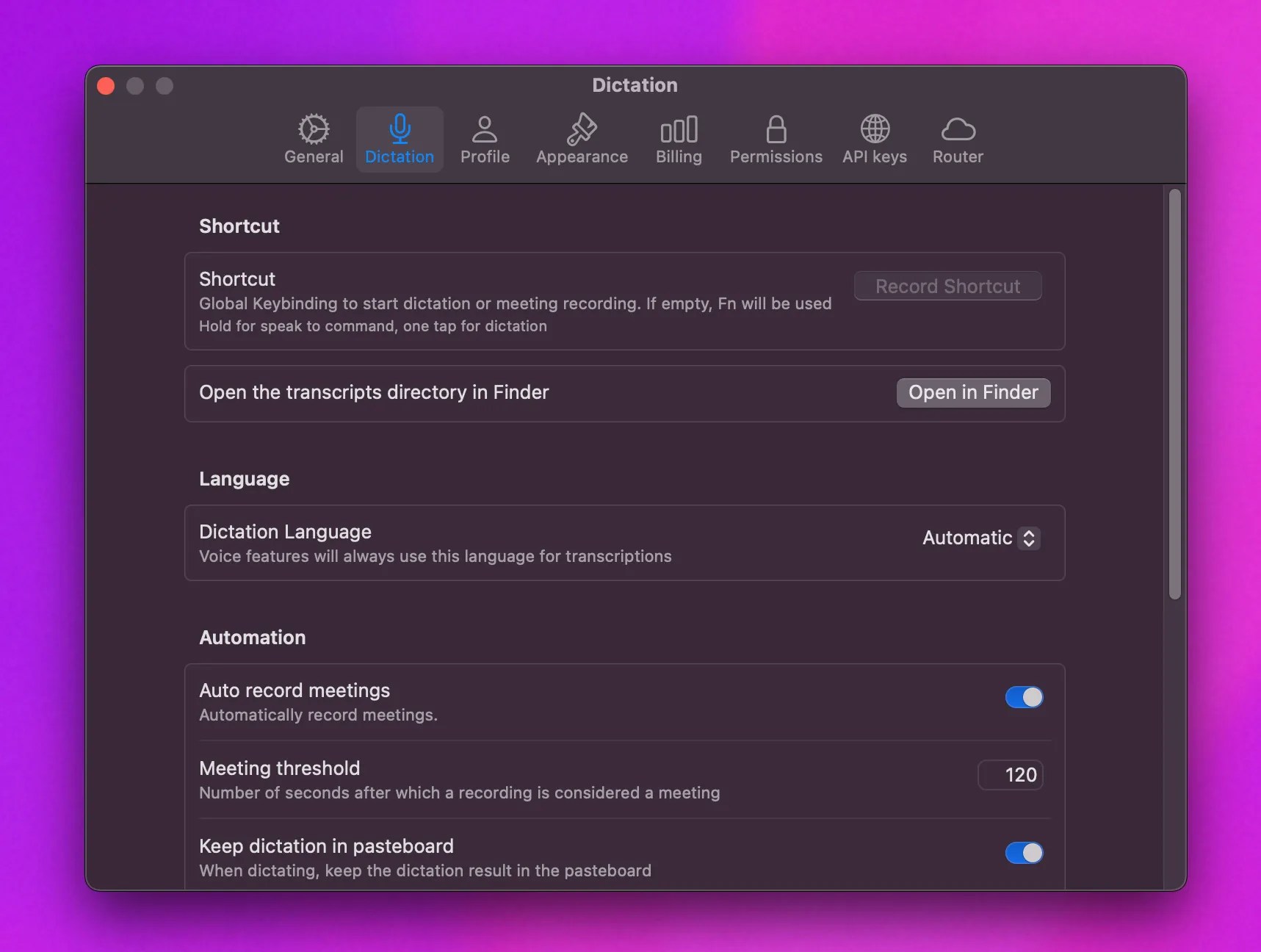
How do I open Alter?
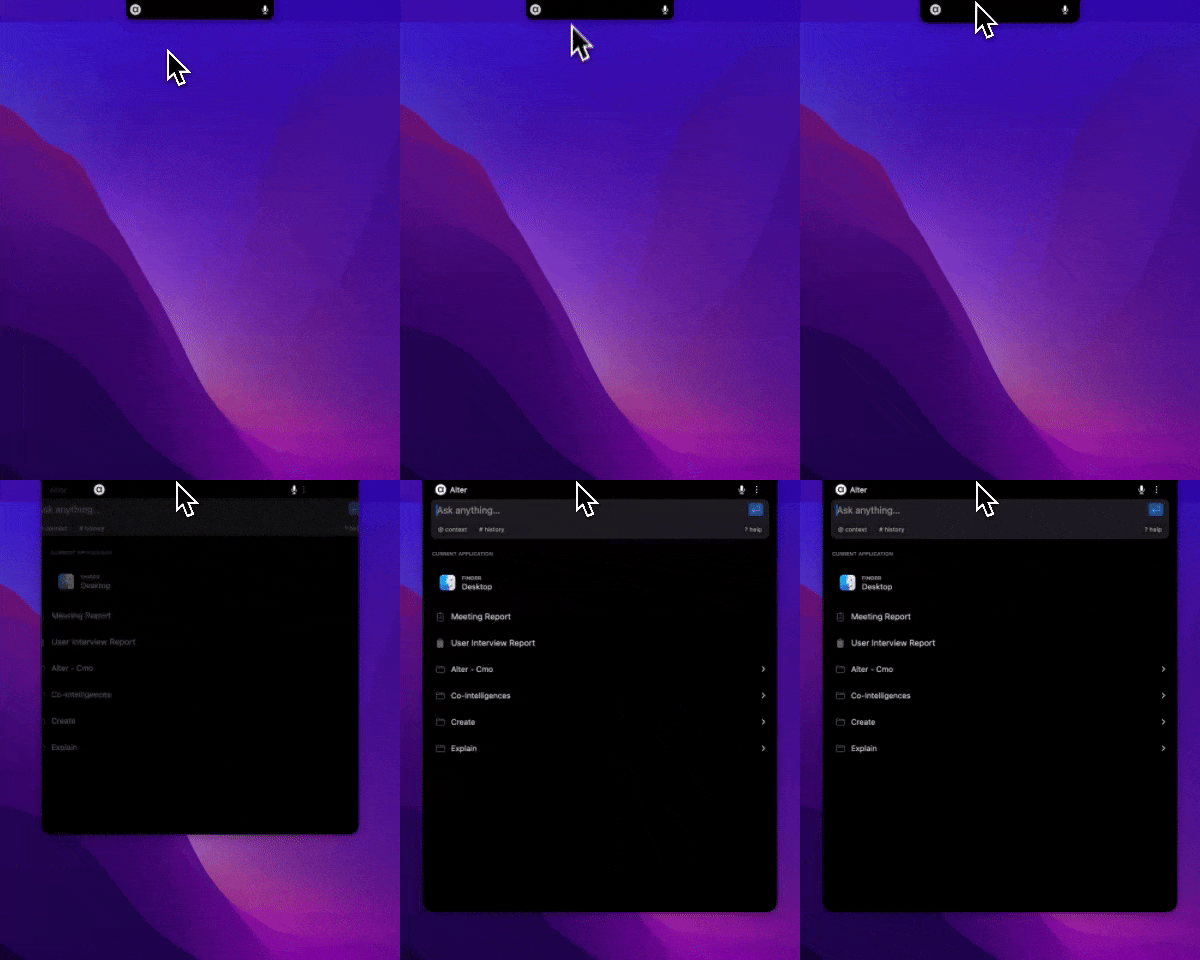
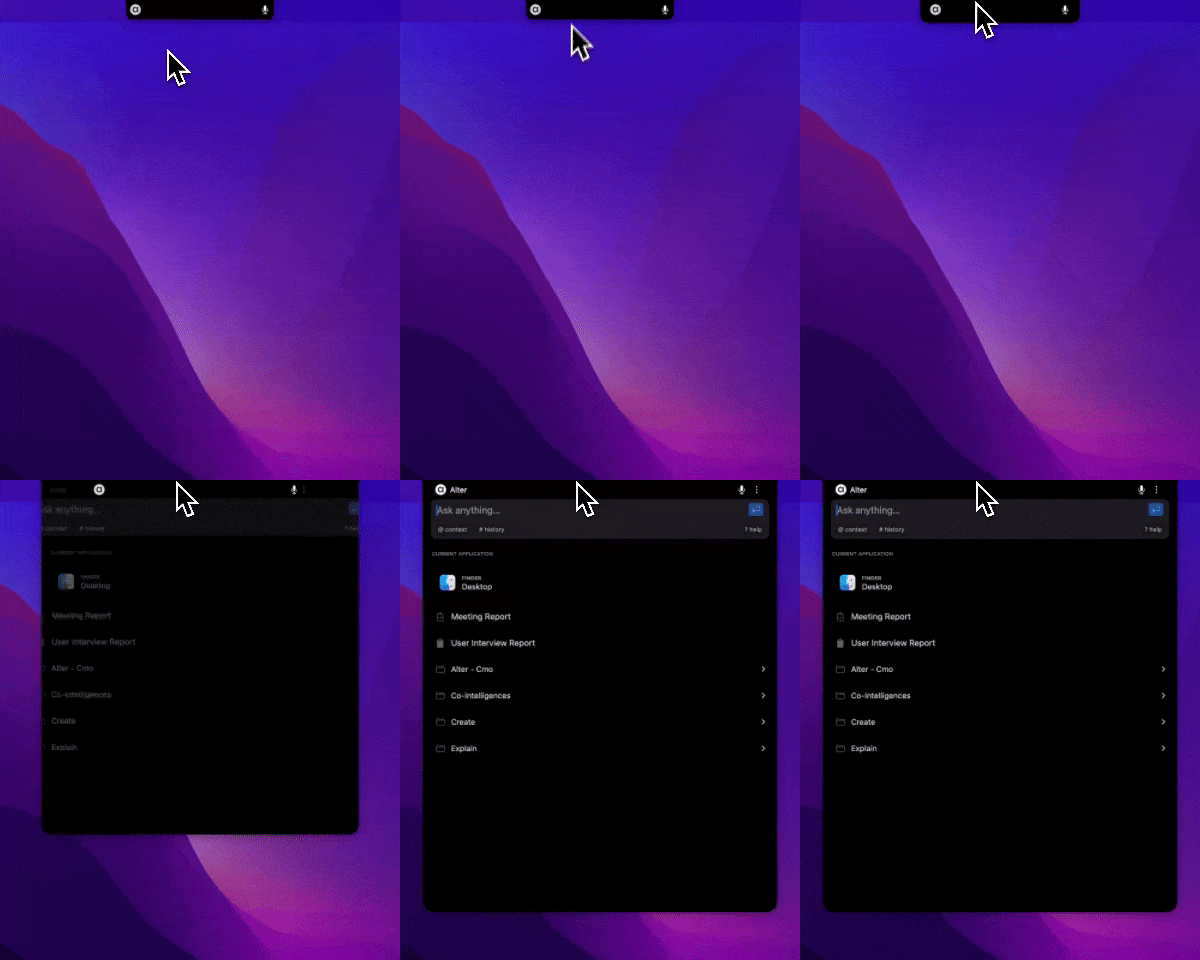
- Hover over the notch.
- Press ⌘⇧Space (default quick-open shortcut; customize in Settings → Shortcuts → Global).
- Hold
Fnand speak.
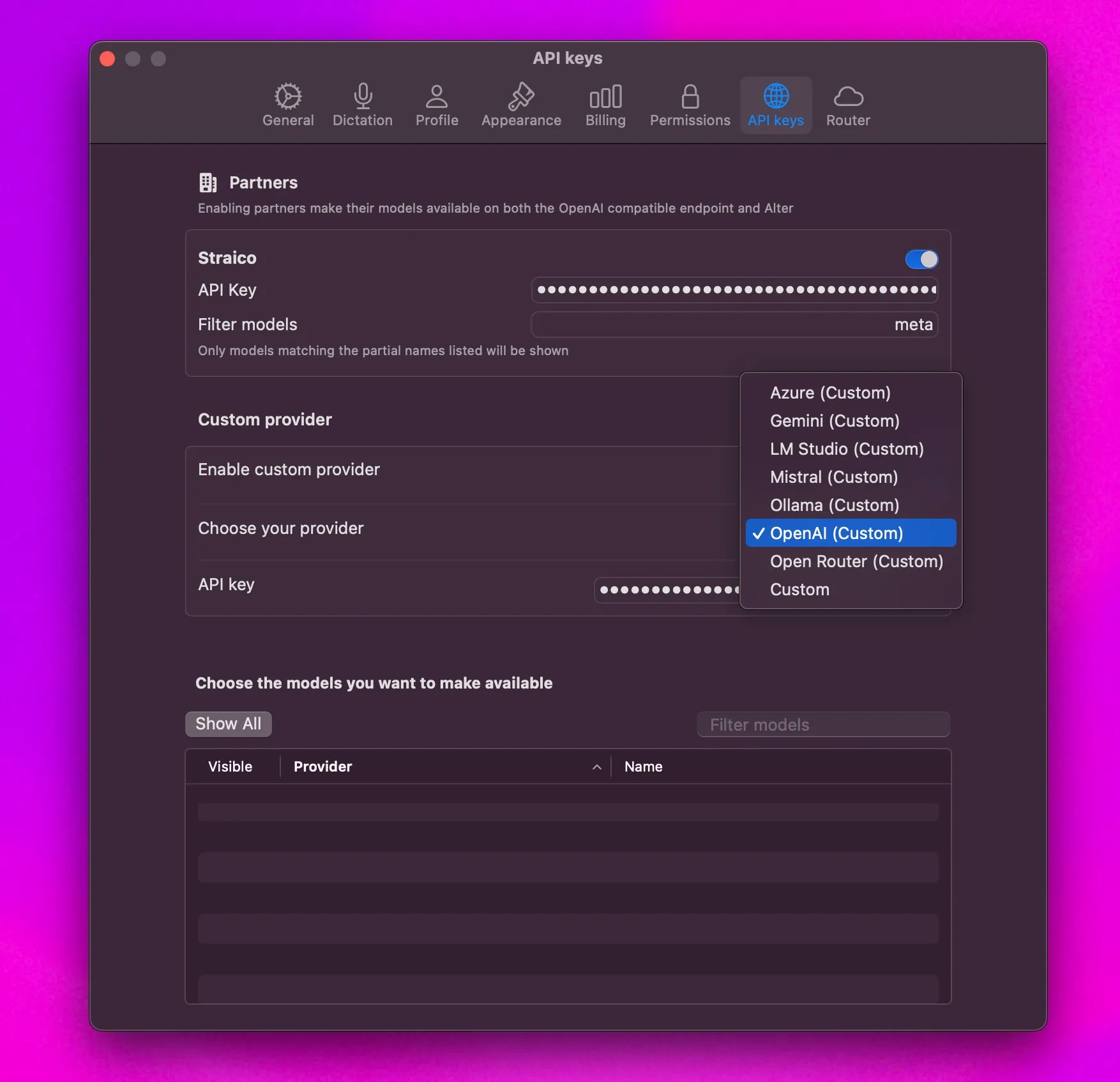
How do I add my own API key?
- Open Settings (
Cmd+,). - Go to API Keys.
- Select provider and enter key.
How do I add context to a prompt?
- Drag and drop files onto the notch.
- Right-click files and choose Add to Alter.
- Use
@to add context from the prompt.
How do I change settings quickly?
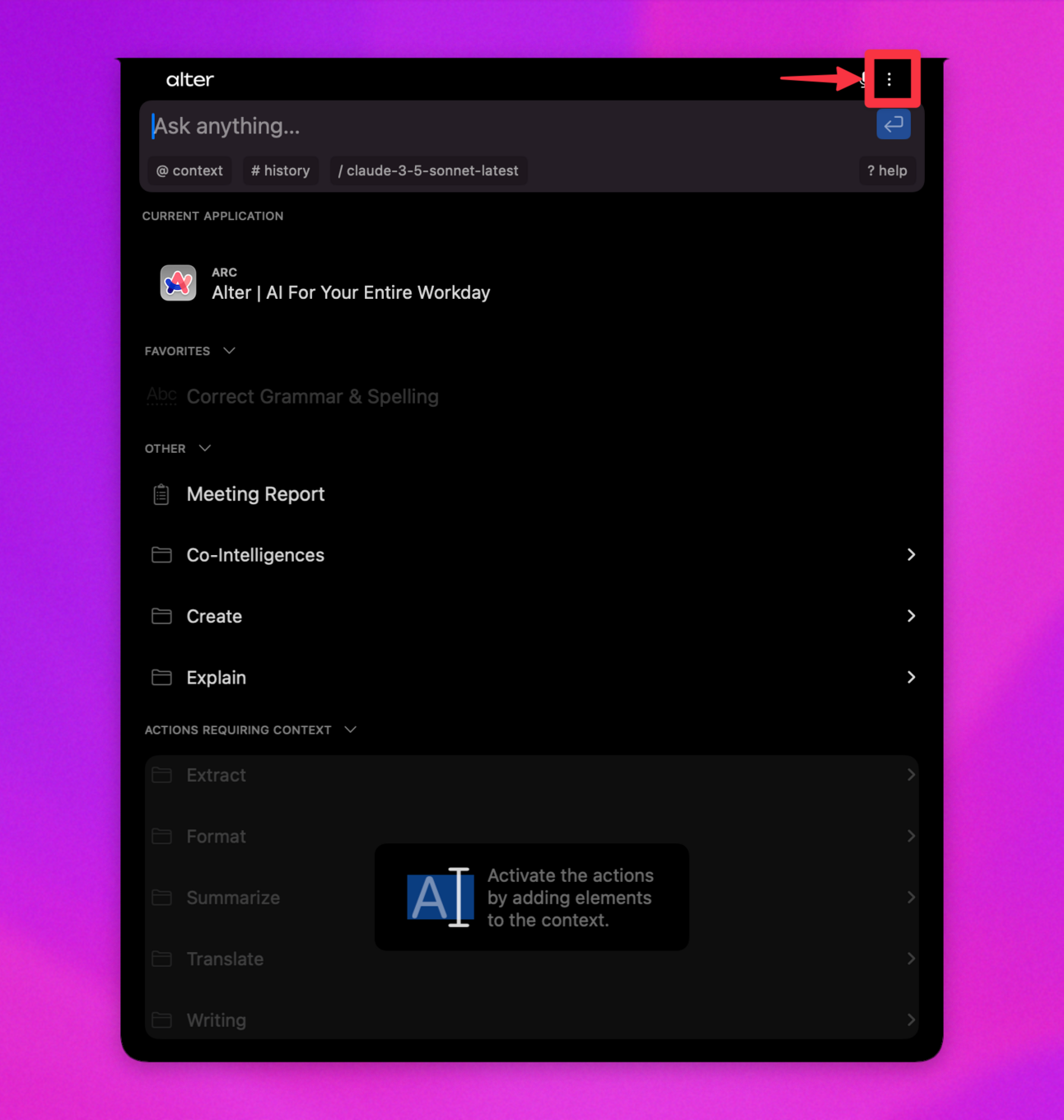
- Open Alter and press
Cmd+,. - Or open three-dot menu -> Settings.
How do I configure dictation?
Settings → Voice, then choose processor, language, and replacements.