

Choosing your model
After opening Alter, just type/ to show available models and select the model you want to use.
Chosing a favorite model
Select the star icon next to a model with your mouse to mark the model as your favorite.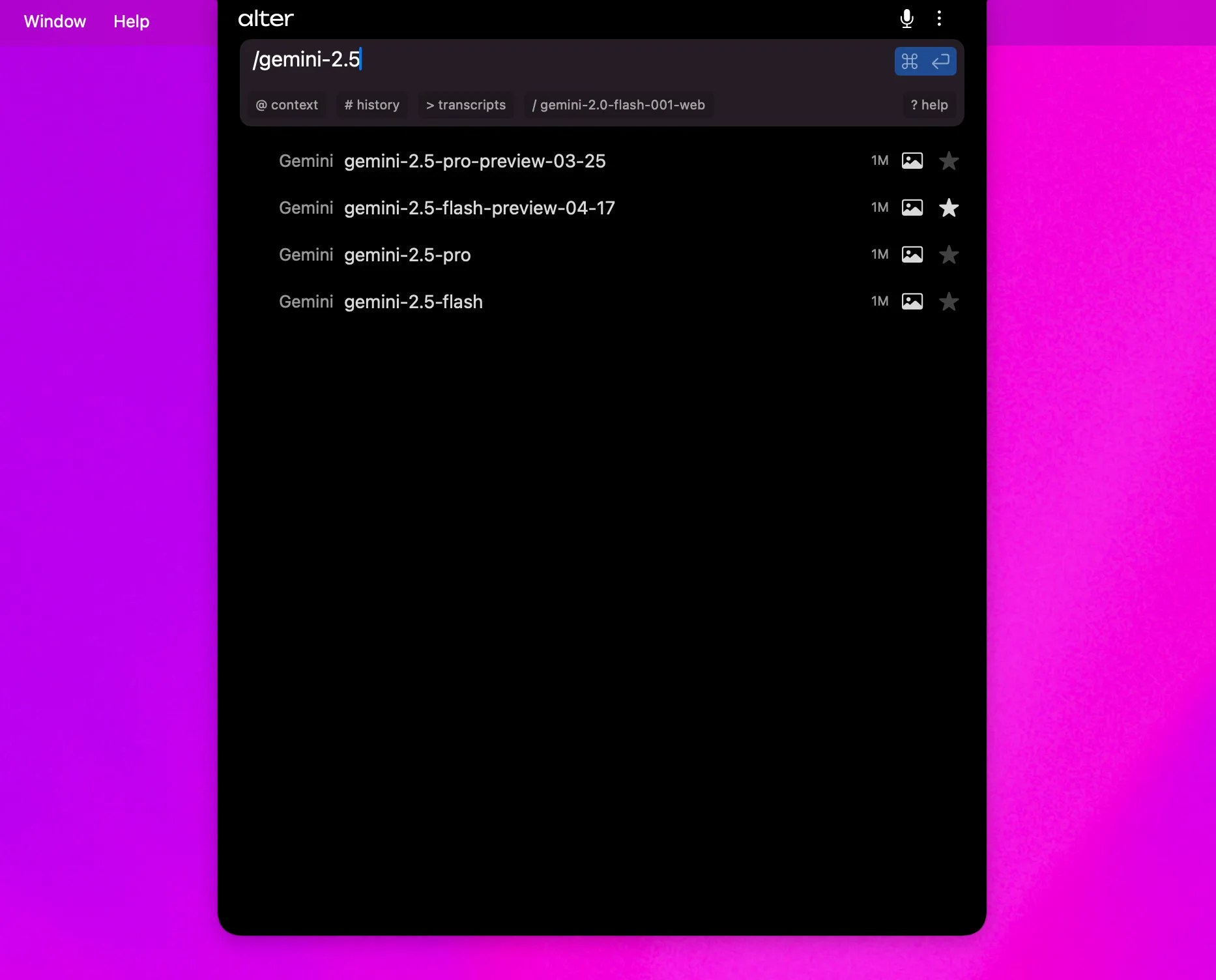
All other interactions are routed through Alter Cloud.
Using Alter Cloud
By default, Alter is set up with/best , our internal model router, choosing the best model based on your query.
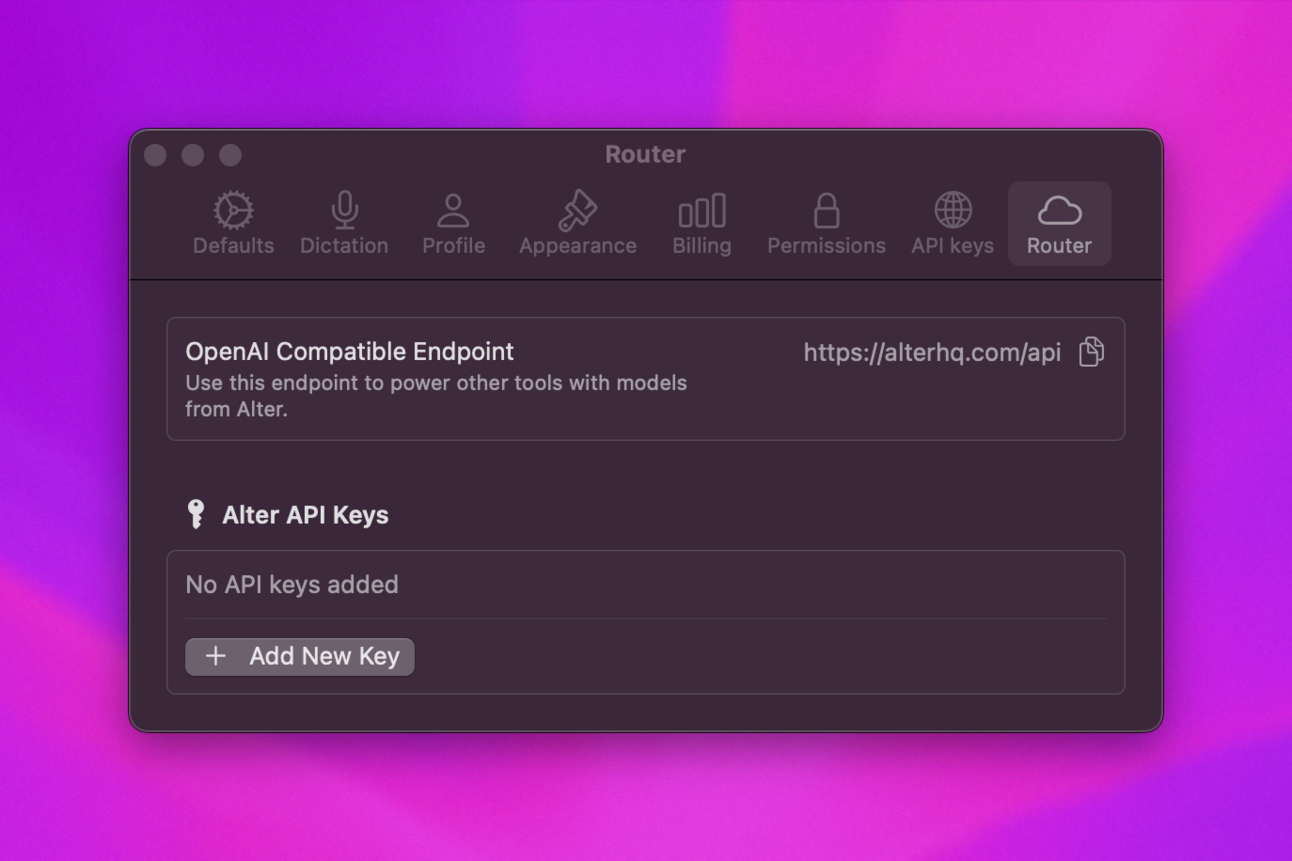
List of the models via Alter Cloud
Alter provides access to 92+ models across 10 providers through its unified router. Use the/models endpoint to list current models, or see the API Gateway Guide for detailed model information.
Provider Overview (as of Beta 71):
| Provider | Model Count | Example Models |
|---|---|---|
| Alter | 4 | best, fair, fast, light |
| Claude (Anthropic) | 4 | claude-sonnet-4-6, claude-sonnet-4-20250514 |
| OpenAI | 17 | gpt-4o, gpt-4o-mini, gpt-5, o3, o4-mini |
| Gemini (Google) | 10 | gemini-2.5-pro, gemini-2.5-flash, gemini-3-pro-preview |
| Mistral | 9 | mistral-small-latest, codestral-2501, pixtral-large-latest |
| Groq | 7 | Llama, Qwen, and other optimized models |
| Together | 26 | DeepSeek, Llama, Qwen, and specialty variants |
| xAI | 8 | grok-3-latest, grok-4 series |
| Cerebras | 5 | Llama, Qwen, and DeepSeek variants |
| Perplexity | 2 | sonar, sonar-pro (web search capable) |
| Feature | Models | Context |
|---|---|---|
| Vision Capable | GPT-4O, Gemini 2.5+, Claude, Mistral Pixtral | Analyze images/video |
| Highest Context | Alter models, Gemini | 1M+ tokens |
| Fastest | Alter light, GPT-4O mini, Gemini Flash | Low latency |
| Most Capable | GPT-4O, Gemini 2.5 Pro, Claude Sonnet | Complex reasoning |
| Web Search | Perplexity Sonar | Real-time info |
| Code Specialist | Mistral Codestral | Code generation |
Using Your API Key
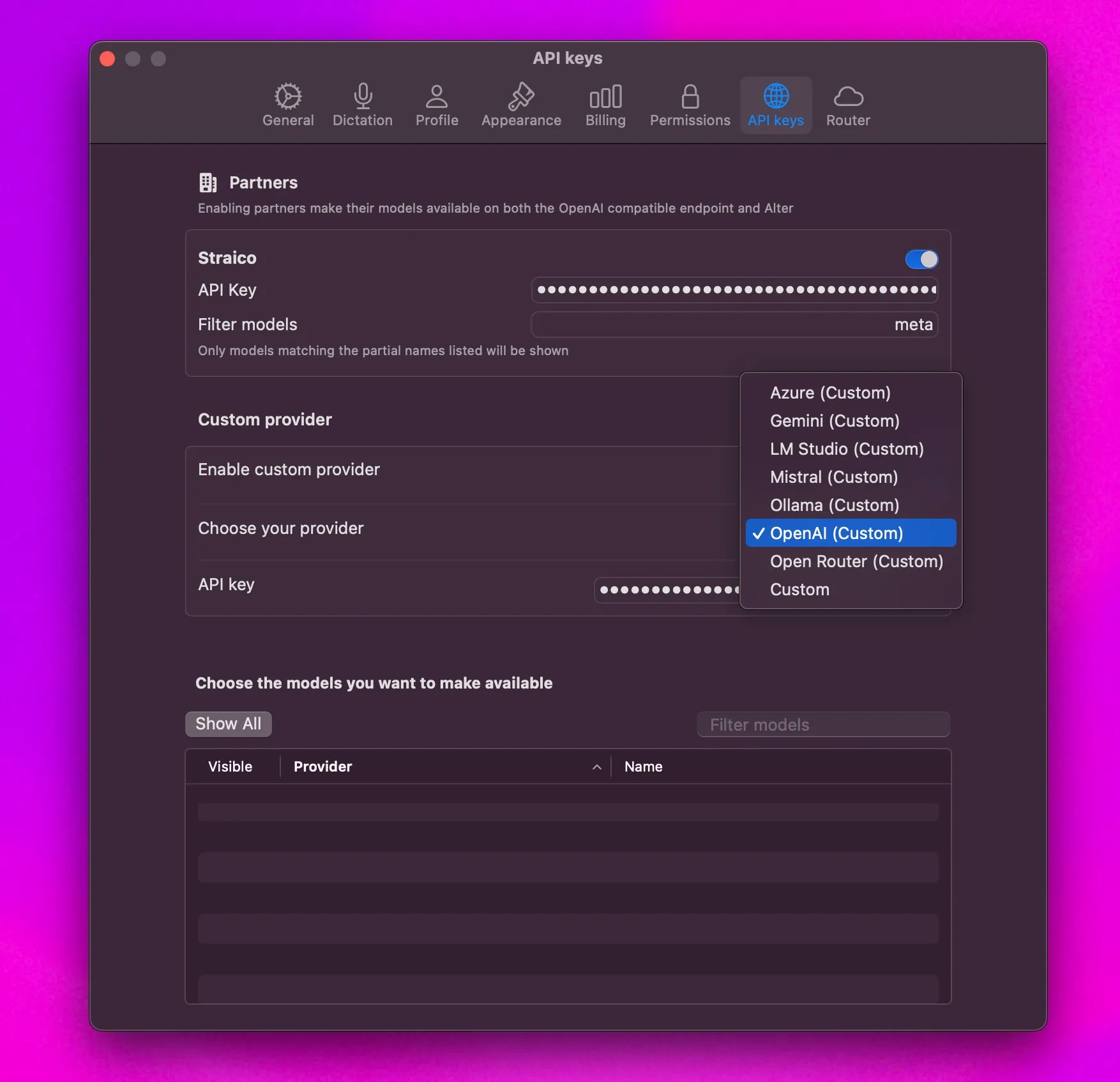
- Go to Settings > API keys > Custom provider.
- Enable Custom Provider
- Pick your provider in the list
Once connected, a tick will appear next to Custom Endpoint.Your provider’s models will be listed under the Custom section.
We only support OpenAI compatible endpoints meaning you can’t use your Anthropic API keys.Here’s a list of the supported platforms for custom keys, based on the provided image:
- Azure
- Gemini
- LM Studio
- Mistral
- Ollama
- OpenAI
- Open Router
- Custom (Any OpenAI compatible endpoint)
Setting Up an Azure Endpoint in Alter
- Enable Custom Provider: In Alter’s settings, enable the “Custom provider” option.
- Choose Azure: Select Azure as your provider.
- Enter Complete Chat Completion Endpoint URL: Provide the full chat completion endpoint URL, including the
api-versionparameter and the model name within the URL. For example:https://yourinstance.openai.azure.com/openai/deployments/your-model-name/chat/completions?api-version=2024-02-15-preview - Enter API Key: Enter your Azure OpenAI API key.
- Complete Endpoint Required: Make sure to use the complete chat completion endpoint, as Alter extracts the model name from the URL.
- Model Name in URL: The model deployment name must be included in the URL path.
- API Version: The URL must include the
api-versionparameter.
Where to find your API keys
| Provider | URL for generate an API Key | |
|---|---|---|
| Google (Gemini) | https://aistudio.google.com/app/apikey | Link |
| Mistral | https://console.mistral.ai/api-keys/ | |
| OpenAI | https://platform.openai.com/api-keys | [Link] |
Locally using Ollama or LM Studio
 To use Alter with local models (via Ollama or LM Studio):
- Go to Settings > API keys > Custom provider.
- Enable Custom Provider
- Pick Ollama or LM Studio in the list of provider
Once connected, a tick will appear next to Custom Endpoint.
 Your local models will be listed under the Custom section.
